MENU
通知
通知を見るためにはログインが必要です。
メッセージ
メッセージを見るためにはログインが必要です。
CLOSE
KENKEYのデータ取り扱いについて
ログイン/会員登録
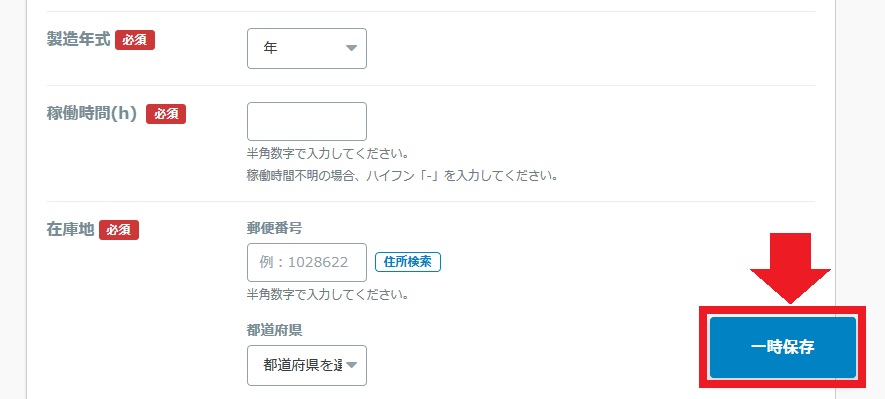
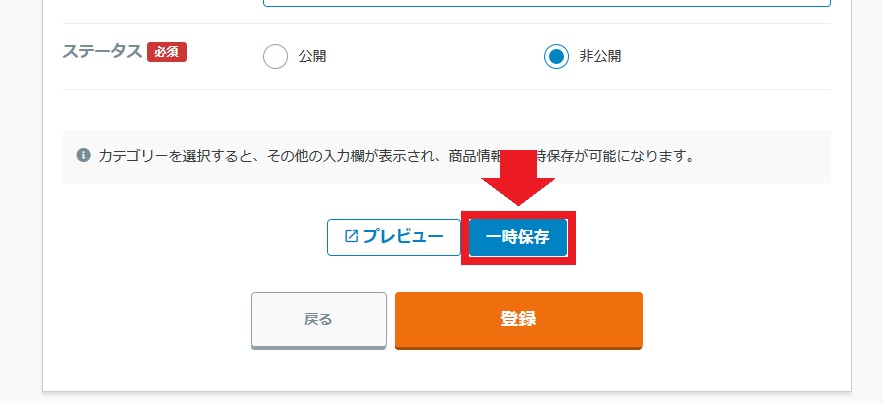
新規出品画面で、途中まで入力した項目を一時保存することができます。
一時保存機能は、必須項目をすべて入力していなくても使用できます。(カテゴリーは必ず入力する必要があります。)
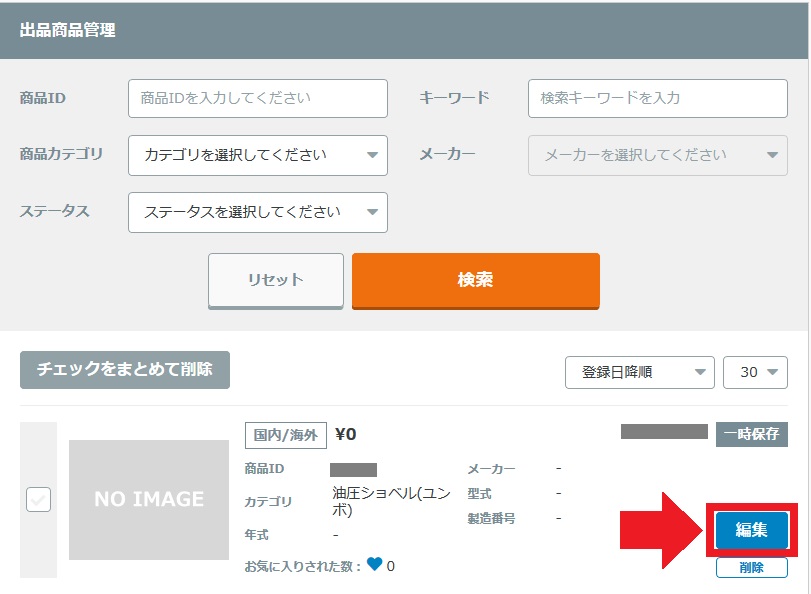
一時保存した内容を編集する場合は出品商品管理画面から行うことができます。
一時保存は商品情報を公開・非公開で登録するまで使用できます。
一度公開した商品情報の編集中に一時保存したい場合は、非公開を選択して登録してください。
このヘルプは役に立ちましたか?
2人中2人がこのヘルプが役に立ったと言っています
この疑問が解決されなかった場合はこちらよりお問い合わせください
新着お知らせをもっと見る
こちらのページは言語を選択してください。Please select a language for this page.